Table of Contents (16 sections)
In the modern world, integrating premium tech gadgets into your home can significantly enhance your living experience. But what does it mean to effectively integrate these devices? It's more than just purchasing the latest gadgets; it involves understanding how they can work together to improve your daily life, streamline tasks, and increase comfort. As homeowners increasingly look for smart home technology solutions, knowing the best ways to incorporate these innovations becomes essential.
1. Understanding Smart Home Technology: What Does Integration Mean?
Integrating premium tech gadgets is about creating a cohesive ecosystem where devices communicate and enhance usability. According to Statista, the global smart home market is projected to grow to $239 billion by 2024. This boom signifies a shift in consumer behavior, where homeowners not only seek individual gadgets but also systems that offer connectivity and interoperability.
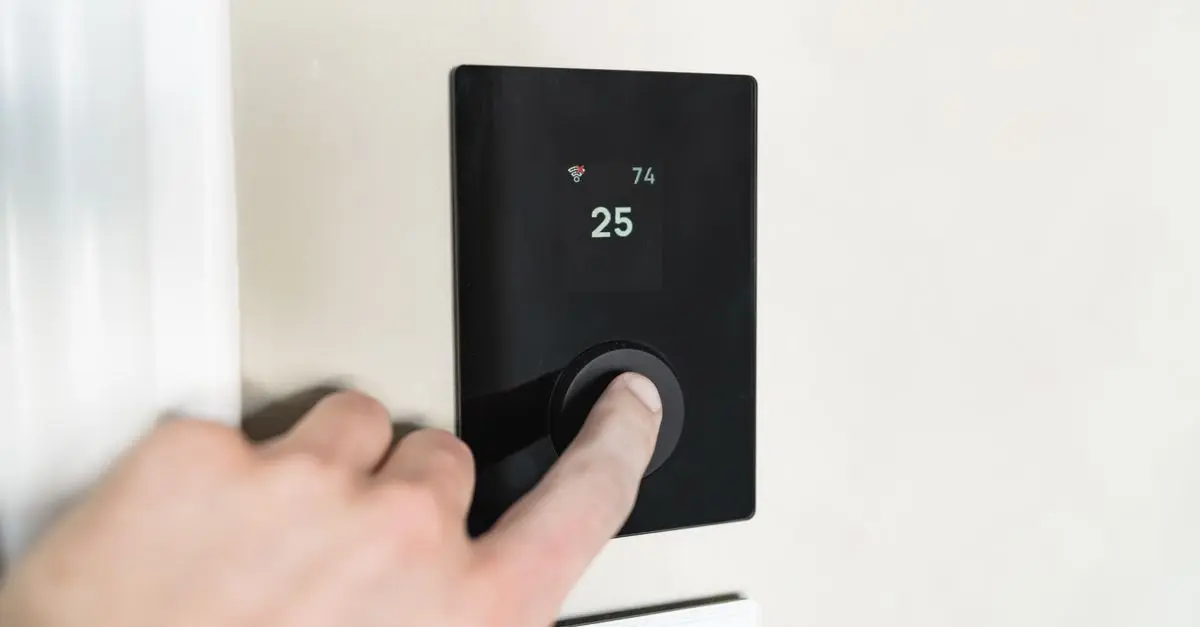
In practical terms, integration can range from connecting your thermostat and lighting to a single control hub to using smart speakers to command devices throughout your home. This ecosystem approach means that devices like smart locks, security cameras, and smart thermostats can all work together, providing enhanced security, energy efficiency, and convenience.
Additionally, it’s important to consider user privacy and security with smart home gadgets. Ensuring that your devices are secured with strong passwords and regularly updated firmware can mitigate vulnerabilities. By approaching integration holistically, you’ll create a tech-savvy home that caters to your needs while being secure and efficient.
2. Step-by-Step Guide to Integration
Here’s how to effectively integrate premium tech gadgets into your home:
Step 1: Assess Your Home Layout and Needs
Before jumping into buying gadgets, evaluate your home’s layout and your specific needs. Make a checklist of areas where tech integration could be most beneficial. Are your concerns related to energy efficiency, security, or convenience? It’s crucial to prioritize based on your lifestyle.
Step 2: Choose Compatible Devices
Selecting devices that can communicate with each other is key. Look for gadgets that utilize the same protocol, like Zigbee, Z-Wave, or Wi-Fi, to ensure compatibility. Check the product specifications to confirm interconnectivity. For example, if you're choosing smart lighting, ensure that they can be controlled via the same app or central hub that operates your thermostat or door locks.
Step 3: Set Up a Central Smart Hub
Investing in a central smart hub can simplify managing your devices. A hub allows all connected devices to communicate and be controlled from one interface, whether via a smartphone app or voice control. Devices integrated into a smart hub can function autonomously or be programmed to operate according to your routines. According to a survey by Pew Research, 61% of smart device users prefer to have a central hub for better management.
Step 4: Install and Test Your Devices
Once your devices arrive, it’s time for installation. Follow the manufacturer’s guidelines carefully. Start with the simplest devices first, like smart plugs or lights, before moving on to more complicated devices like security systems. Testing each component before integrating them into the hub is crucial; this way, you can ensure each device functions properly without overwhelming yourself.
Step 5: Program Routines and Automations
Take advantage of automation features built into your devices. Programming routines can save you time and energy. For instance, setting your outdoor lights to turn on at sunset or your home security camera to activate when everyone leaves the house enhances convenience and security. Dive into the settings of your smart hub app and explore various automation options.
Step 6: Regularly Update and Maintain Your System
After integration, regular maintenance is vital to ensure long-term functionality. Keep your devices updated, check battery levels, and verify that they remain connected to your network. According to the National Institute of Standards and Technology (NIST), regular updates can protect against security vulnerabilities and improve gadget performance.
Pro Tips:
- Always read user reviews and forums for insights into device compatibility.
- Schedule a periodic review every few months to assess performance and explore new technologies.
Dreame FloorX 500 Premium Wet/Dry Vacuum Cleaner, Black - Black - Size: One Size
kohls.com

Vipbear - RV Mattress Short Queen 8" Memory Foam Mattresses,Premium Cooling Green Tea/Gel Medium Firm Bed-Mattress
bestbuy.com

Vipbear - RV Mattress Short Queen 8" Memory Foam Mattresses,Premium Cooling Green Tea/Gel Medium Firm Bed-Mattress
bestbuy.com
3. Comparison of Popular Smart Home Systems
Here’s a comparison of some of the leading smart home systems that can help streamline your integration process:
| Criterion | Smart Home System A | Smart Home System B | Smart Home System C |
|---|---|---|---|
| Compatibility | High | Moderate | High |
| User-Friendly | Yes | Yes | No |
| Cost | $$$ | $$ | $$$$ |
| Automation Options | Extensive | Limited | Moderate |
| Security Features | Excellent | Good | Average |
5. FAQ on Integrating Premium Tech Gadgets
Q: What is the first step to integrating tech devices in my home?
A: Assess your specific needs and home layout to determine which devices will be most beneficial.
Q: Do all smart devices work together?
A: Not all; ensure compatibility by checking if devices use the same communication protocol (e.g., Zigbee, Wi-Fi).
Q: How do I maintain security with smart home devices?
A: Regularly update firmware, use strong passwords, and enable two-factor authentication when available.
Q: Can I control all devices with one app?
A: Yes, using a compatible smart hub allows you to control multiple devices from a single app.
Glossary
| Term | Definition |
|---|---|
| Smart Hub | A device that connects and manages multiple smart home devices. |
| Protocol | A set of rules governing the exchange of data between devices. |
| Automation | The ability for devices to operate according to preset schedules or triggers. |
Checklist before Integration
- [ ] Assess home layout
- [ ] List desired functionalities
- [ ] Choose compatible devices
- [ ] Invest in a smart hub
- [ ] Install devices following guidelines
- [ ] Test each device individually
- [ ] Set up automation routines
- [ ] Review security settings
- [ ] Schedule updates regularly
💡 Expert Opinions: Many users report enhanced comfort and efficiency after fully integrating premium tech devices. Investing time in understanding their functionality pays off in a streamlined and enjoyable living experience.

Gildan Game Of Thrones Stannis Baratheon Burst Sigils Short Sleeve Adult V Neck Premium Cotton Tee
shop.simon.com
Inspired Living BottleGlow Premium Wine Bottle Cork String Lights 2 M Copper Wire Fairy Lights For Bars, Weddings & Holiday Decor white
inspireuplift.com

Timberland Premium Super "Beige Nubuck" Waterproof Boot - Tan - Size: 10.5
dtlr.com
📺 For Further Information:
Look up YouTube for a thorough exploration of integrating smart home technology by searching: "integrating premium tech gadgets at home 2026".
📺 Pour aller plus loin : integrating premium tech gadgets at home 2026 sur YouTube
Recommended products
Selected by our experts
L.L.Bean Men's Premium Double L Polo, Long-Sleeve Without Pocket Cobalt Sea Medium, Cotton L. L.Bean
llbean.com
Calvin Klein Men's Premium Terry Monologo Relaxed Sweatshirt - Blue - L
calvinklein.us

Biltmore Crossroads - Premium Fur Felt Outback Fedora Hat - 7 1/4 / Black
hatcountry.com

Kishigo - JS135 - 136 - Premium Black Series 2 - In - 1 Jacket - Lime - 2XL
clothingshoponline.com

Kishigo - 9114 - 9115 - Premium Black Series Breathable Tape Class 2 T - Shirt - Lime - XL
clothingshoponline.com